
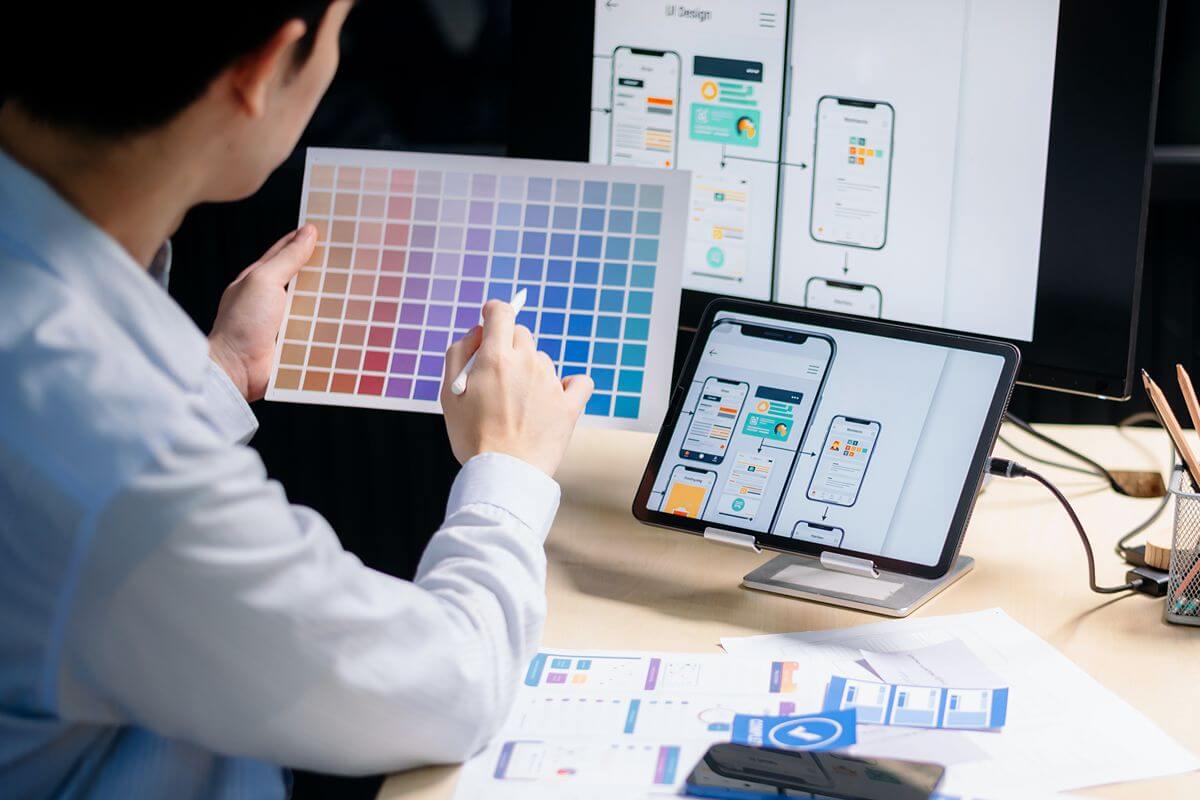
How can UI/UX designers use AI tools in their workflow?
- Research and discovery
- Planning and alignment
- Ideation and wireframing
- UI design and prototyping
- Content and copywriting
Overview
- AI supports UI/UX designers across research, planning, ideation, prototyping, and content creation.
- Human judgment remains essential for evaluating AI outputs, understanding users, and making design decisions.
- CIIT develops future-ready UI/UX skills through hands-on learning, expert guidance, and practical design experience.
Whether you are scrolling through social media, shopping online, or using an app for school, you probably expect everything to work with just a few taps. When buttons are easy to find and pages make sense, you rarely stop to think about why the experience feels so natural. What feels simple to use often comes from careful design choices made with the user in mind.
Understanding how UI/UX designers use AI tools in their workflow provides insight into how technology supports the creative process behind these experiences. User Experience (UX) designers focus on how a digital product works and how people move through it. UX involves researching user needs, identifying problems, planning user flows, developing prototypes, and testing them to improve the experience.
On the other hand, User Interface (UI) designers focus on how the product looks and responds on screen, shaping typography, colors, buttons, and icons to make information clear and interactions easy to follow.
Artificial intelligence reshapes how designers explore and build digital experiences, but human creativity remains essential. By pairing AI capabilities with human critical thinking and judgment, designers work more efficiently while ensuring every project retains purpose and user-centered focus.
Research and Discovery

Good design starts with understanding the people who will use it. Before deciding how a product should look or function, designers need to discover what users need, experience, and expect. AI tools support this process by helping create discussion guides, assist with drafts, and organize prompts with relevant context.
The discovery process also involves making sense of what users share. Interview recordings are converted into text, while transcripts, surveys, and customer feedback are brought together to uncover patterns, frustrations, and contradictions. AI also helps scan market trends and organize feedback into summaries and reports.
These capabilities provide a clearer foundation for understanding users, but technology does not replace human understanding. Designers interpret findings, consider the context behind responses, and determine which insights matter to the product and its audience.
Planning and Alignment
Once research clarifies user needs, designers turn those findings into a shared project direction. They organize requirements and priorities while aligning them with stakeholders. This clarifies what the product needs to achieve.
AI supports this process by organizing research, meeting discussions, and project documentation. It helps identify requirements, action items, unresolved decisions, and potential features according to user needs and project priorities.
Designers connect requirements with project goals and communicate priorities, while AI organizes information. People still make the decisions that shape the project.
Ideation and Wireframing
With requirements aligned, designers explore how ideas might take shape on screen. Ideation explores solutions, while wireframing turns them into simple visual representations.
Designers use AI to generate concepts, brainstorm interface ideas, and explore navigation, content, buttons, and other elements. AI-powered tools also create basic wireframe drafts from prompts, helping designers visualize screens before developing detailed interfaces.
AI’s value goes beyond generating options. Designers still decide which ideas fit user needs, project requirements, and the intended experience. They compare approaches, identify usability concerns, and refine concepts based on judgment.
UI Design and Prototyping
Once wireframes establish an interface’s structure, designers define how it will look, feel, and behave. UI design gives the selected direction its visual identity through typography, spacing, colors, components, and visual assets. Prototyping then connects these elements into an interactive experience.
AI tools streamline design by converting wireframes into layouts, generating interface assets, and building interactive prototypes across various UI states. Designers oversee these outputs to maintain usability, accessibility, and consistency.
Content and Copywriting
Clear interface copy starts with understanding what users need to know and do. Designers provide that context to AI through prompts, then use suggestions as starting points.
The workflow begins with the designer, who identifies the content’s purpose, user needs, and appropriate tone. AI might suggest button labels, shorten instructions, rewrite error messages, or create onboarding variations. Designers review each option for clarity and relevance.
Designers then refine the copy within the interface. AI speeds up drafting, while designers remain responsible for its voice, meaning, and purpose.
Key Considerations When Integrating AI Into Your UI/UX Workflow

AI can make parts of the UI/UX process more efficient, but it also requires careful oversight. Designers need to evaluate whether AI-generated insights and recommendations are appropriate for users.
- Treat AI as an assistant, not the final decision-maker. Use AI to support research, generate ideas, or refine designs, but keep human judgment at the center. Designers remain responsible for evaluating whether outputs align with user needs, project goals, and usability principles.
- Design and test for different users. A design should work for more than one user type. Consider algorithmic fairness and actively test across different demographics, abilities, and experiences to identify usability gaps and potential biases.
- Protect user privacy from the start. AI-driven tools often process data, so privacy is central to UX planning. Understand what information a tool uses and how it handles that data, then build privacy considerations into the system from the beginning.
- Verify AI outputs and audit the tools you use. AI-generated information is not automatically accurate or unbiased. Review outputs before using them and examine the tools and training data behind them when possible. Human verification helps identify inaccurate, incomplete, or biased results.
- Take responsibility for what goes live. AI may assist throughout the design process, but humans remain accountable for the final product. Before releasing the output, evaluate whether it is accurate, accessible, fair, and useful to its intended users.
Why Choose CIIT for Future-Ready UI/UX Skills?
At the College of Innovation and Integrated Technology (CIIT), you learn UI/UX using the platforms professional designers use at work. Through hands-on projects, you move from mapping user flows and building wireframes to designing interfaces and creating interactive prototypes. Small classes give you direct access to expert instructors, with personalized feedback to help you refine your work and explain the decisions behind your designs.
Your learning extends beyond the classroom through access to design professionals and industry leaders. These connections provide different perspectives on design and professional expectations. Combined with practical experience and expert guidance, we will help you build a foundation for future opportunities in UI/UX.
Key Takeaway
Artificial intelligence increases speed and creates new possibilities in UI/UX, but it lacks human context and emotional understanding. Designers must remain central to the process, applying critical judgment to ensure digital experiences address real user needs.
Exploring how UI/UX designers use AI tools in their workflow highlights where technology ends and human judgment begins. AI identifies patterns, generates concepts, and suggests solutions, but designers must verify accuracy, spot potential biases, and align outputs with user needs. Build future-ready UI/UX skills at CIIT through hands-on learning, expert guidance, and practical design experience. Contact us today.